Conform by UVs
Use this for a custom head or body already using MetaHuman topology with compatible MetaHuman UVs. No markers or Conform Tools required.
- Open MetaHuman Tools and choose Head or Body.
- Set your custom sculpt as Target.
- Enable Keep Chest / Neck if the attachment should stay fixed. Neck Transition controls the width of the blend.
- Click Conform by UVs.
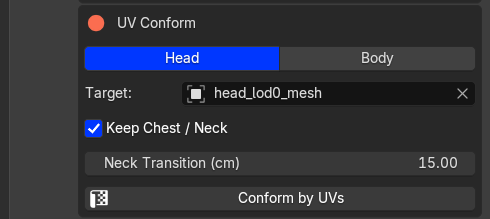
Select Head or Body and the UV Conform target
The result is applied directly to the imported mesh. Loaded lower LODs and associated meshes follow the edit. Inspect the ears, eyes, mouth and neck before exporting.
Each click starts from the original imported shape and uses the Target's current shape. Change settings and run it again without Undo. Neck Transition here is independent of the second tab's setting.
For targets with unrelated topology or UVs, use marker conforming.
Next: check LODs, then bake and export.
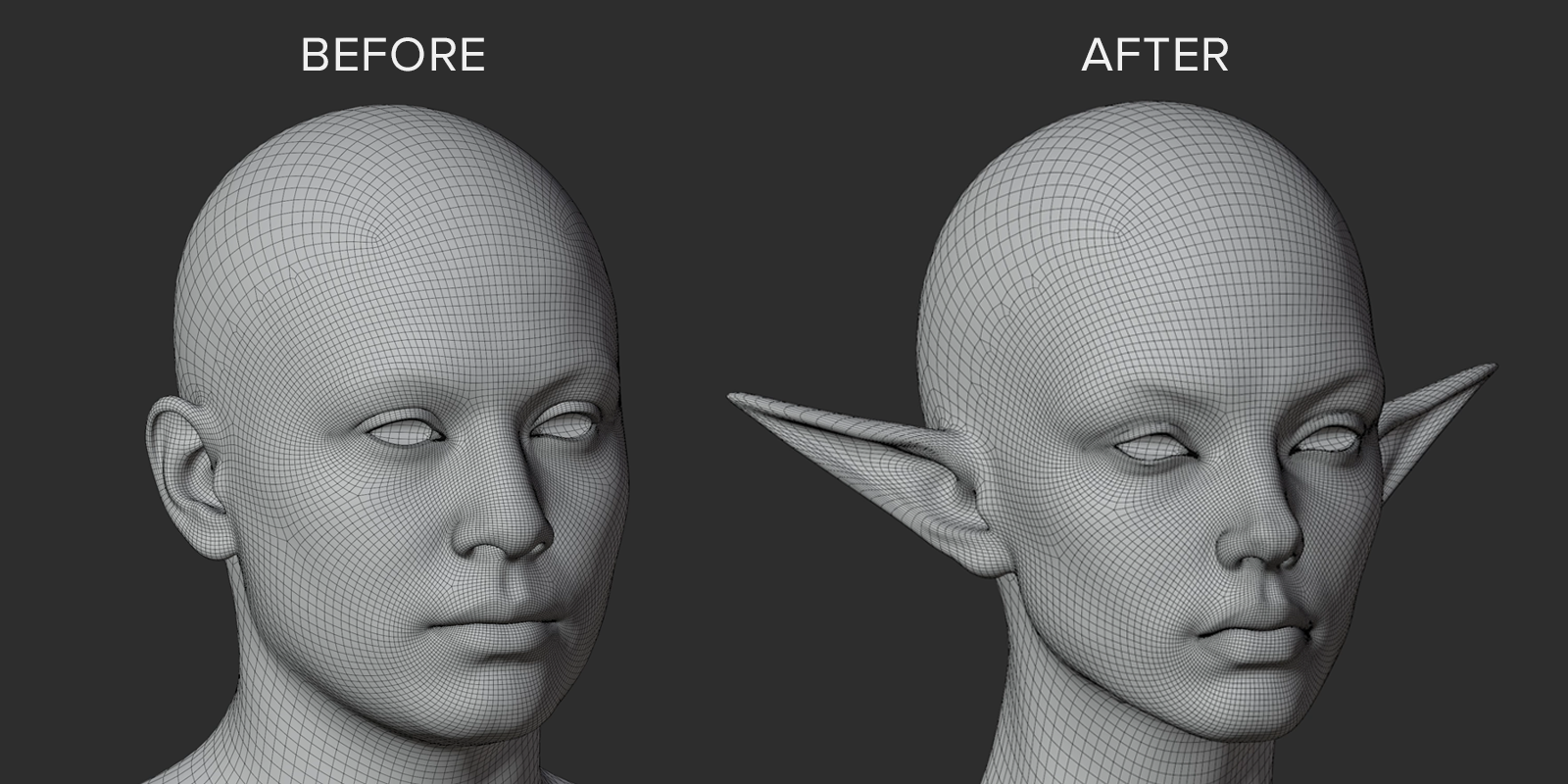
Head shape before and after conforming