Prepare Your Character
Import your files
For a custom head sculpt with different topology, bring these three things into Blender:
- Your MetaHuman DNA: open MetaHuman Tools > Import and import the head DNA from your MetaHuman Creator DCC Export. Enable the head/body pair option to include the body. Leave LOD0 only off to import all LODs.
- MetaHuman Conform Topology: download Epic's topology meshes from Fab and import the head FBX through File > Import > FBX. This is the mesh you will fit to your sculpt; it does not replace your DNA import.
- Your custom head sculpt: import the sculpt using Blender's matching file importer, such as FBX or OBJ.
Check the Character field and save your Blender file.
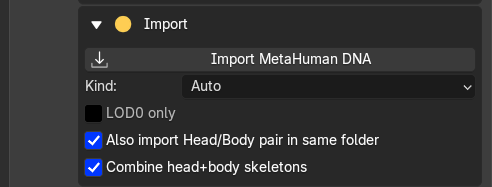
Import MetaHuman DNA
Keep the original DNA and REVO DNA's sidecar files with the project. They are needed for rig playback, LOD updates and export.
Choose your workflow
- Different topology: in Conform, set the imported Fab head mesh as Source and your sculpt as Target. Add matching markers, then Conform > Apply. Next, in MetaHuman Tools, choose Head, set that fitted topology mesh as Target, and click Conform by UVs to transfer the shape to your DNA character.
- Already using MetaHuman topology with compatible UVs: import your DNA and sculpt, then use Conform by UVs directly. You can skip the Fab template, Conform Tools and markers.
Both routes work with heads and bodies. Marker conforming is also available for MetaHuman targets if preferred.
You can also sculpt directly. After editing, check the LODs and facial movement, then bake and export.
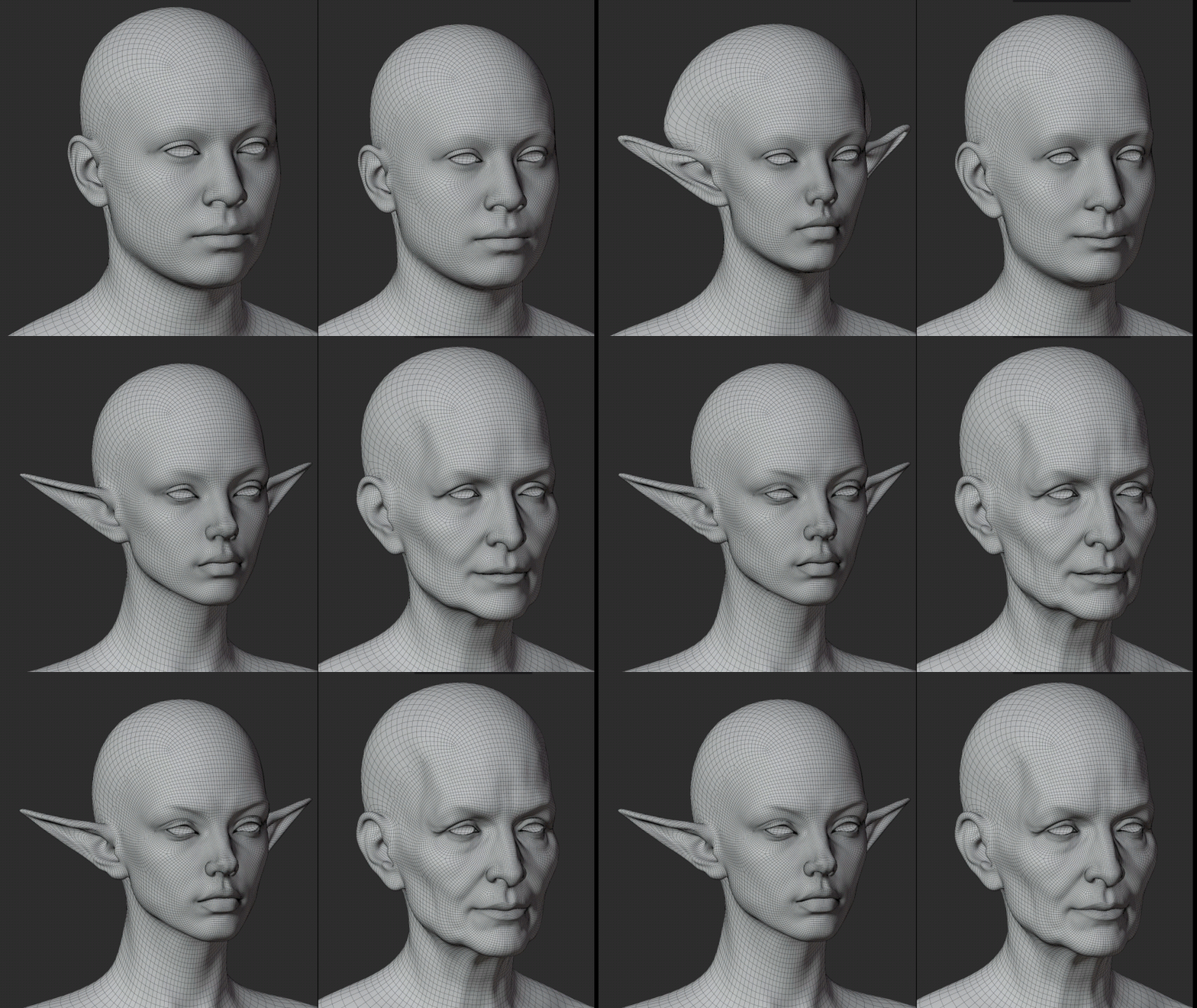
Custom head shapes using MetaHuman topology