Tool UI
Open the 3D Viewport sidebar with N, then select REVO DNA. Use the four buttons on the left to switch tabs.
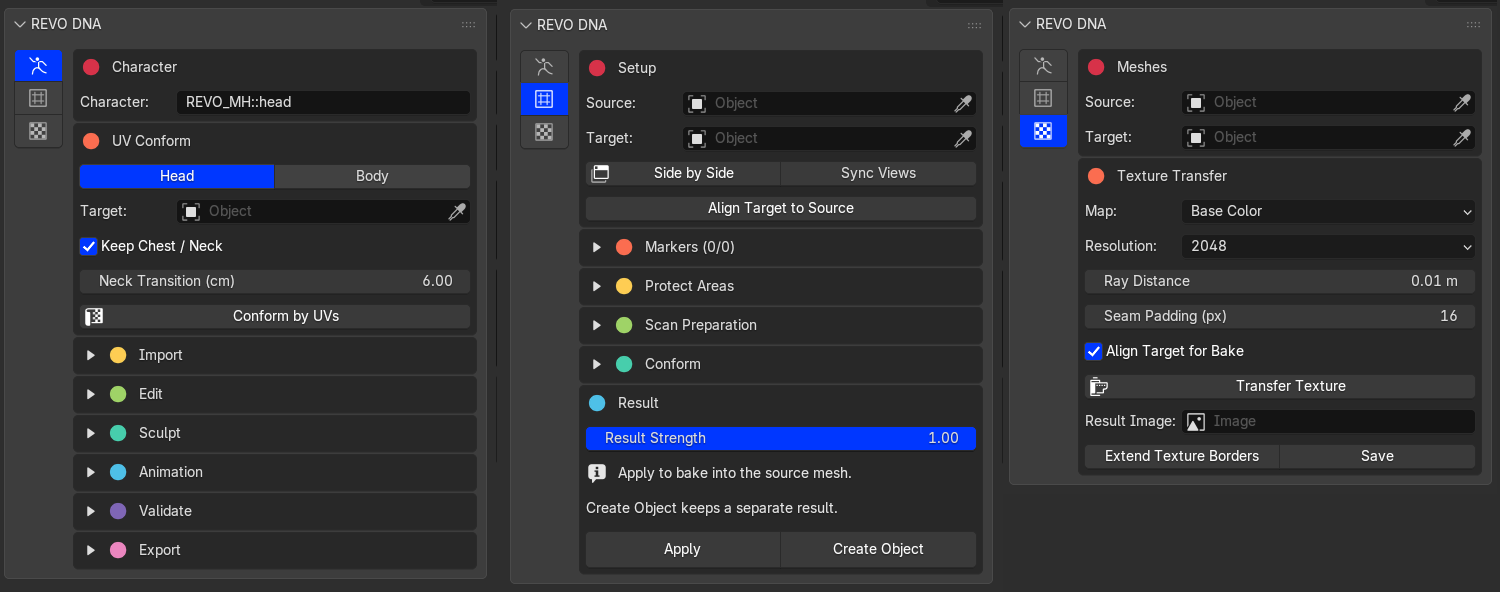
MetaHuman Tools, Conform and Textures
1. MetaHuman Tools
Import DNA, conform by UVs, sculpt, check LODs and animation, then bake and export your character.
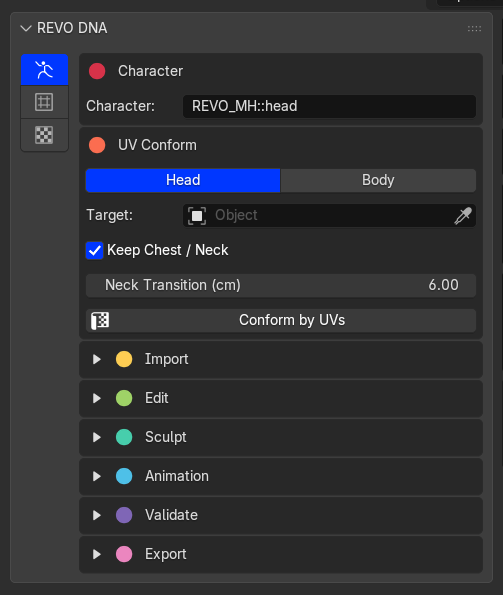
MetaHuman Tools
2. Conform
Fit a head or body to a custom sculpt or scan using markers. Protect areas, preview the fit, then Apply or Create Object.
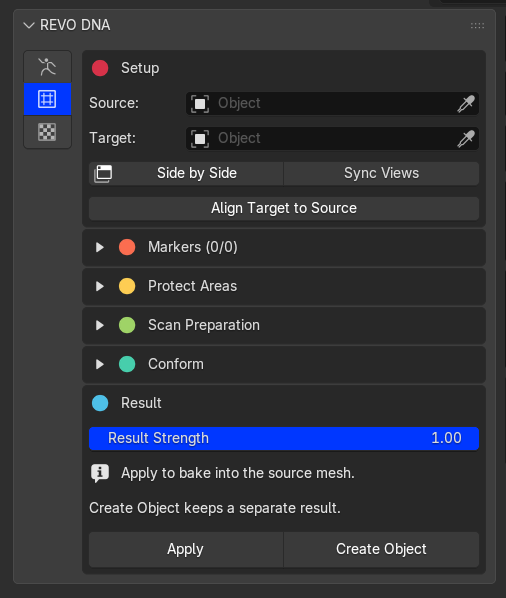
Conform
3. Textures
Transfer textures from the Target to the Source, extend texture borders and save the images.
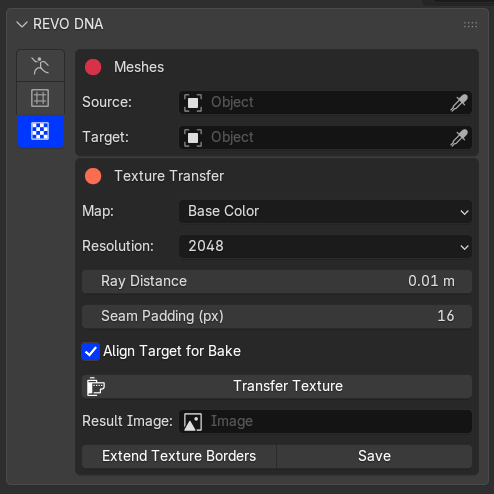
Textures
4. Support
Open the documentation, join the REVO Discord community, or visit Revolutionart on ArtStation.