Sculpt
Sculpt the imported LOD0 head or body. Keep the vertex count and connections unchanged: do not remesh, use Dyntopo, or add/delete vertices.
Sculpt across the neck

Weld and Unweld Neck Seam
- Align the head and body.
- Click Weld Neck Seam to join them temporarily.
- Sculpt across the seam.
- Click Unweld Neck Seam to return to separate meshes.
After Unweld, the neck seam keeps the smooth shading it had while welded.
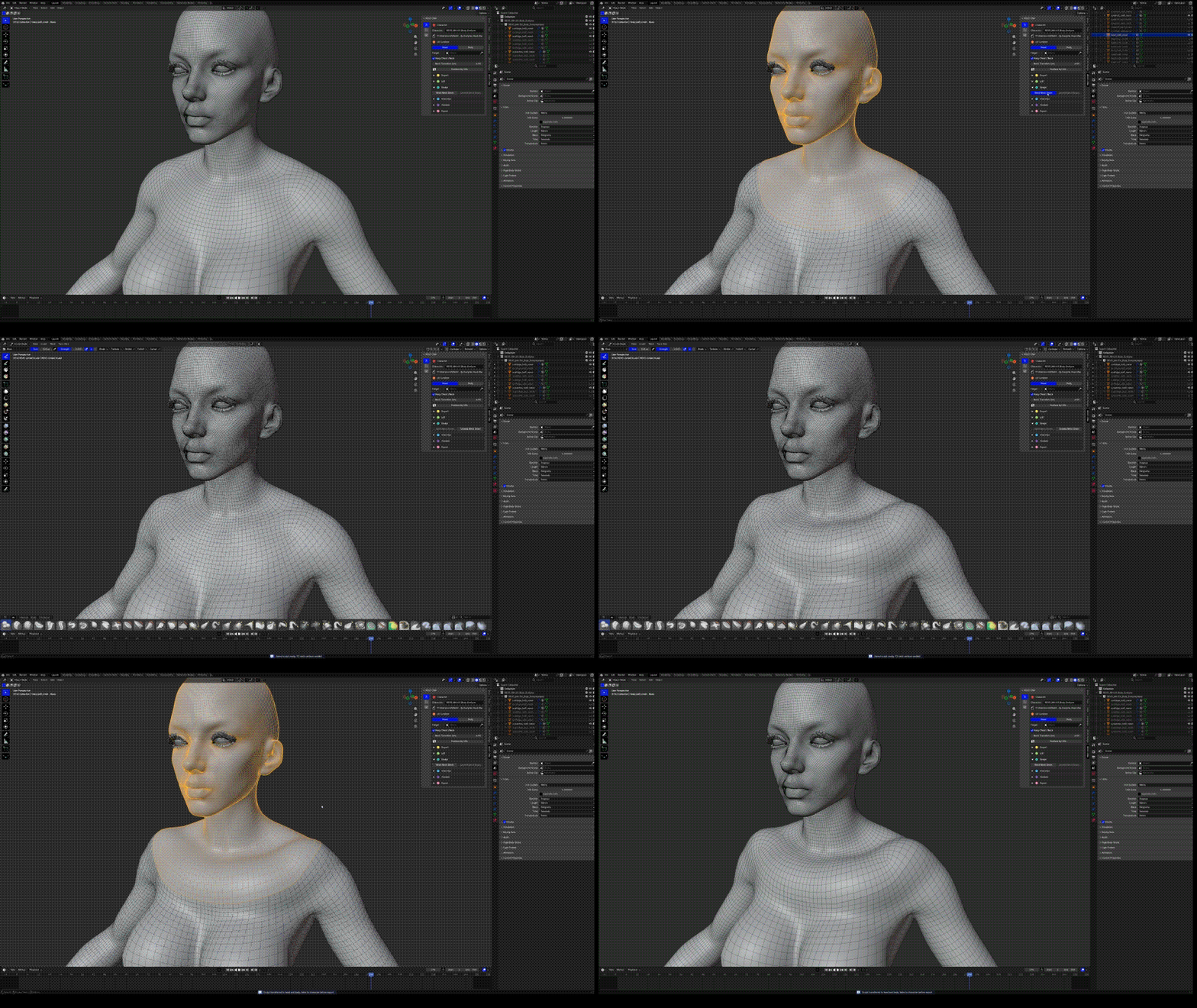
Join the neck seam for sculpting
Repeat as needed. After sculpting, check lower LODs and facial movement.
Fix a ridge at the neck seam
If you see a ridge or dent along the chest-cut after importing into MetaHuman Creator, smooth it in Blender across the welded seam:
- Click Weld Neck Seam.
- Use the Smooth brush on the ridge, working across the seam rather than along it.
- Click Unweld Neck Seam.
- In Export, click Bake Edits into Metahuman for both the head and the body, then Export MetaHuman DNA.
- Import the new DNA into MetaHuman Creator with Replace and check the chest again.
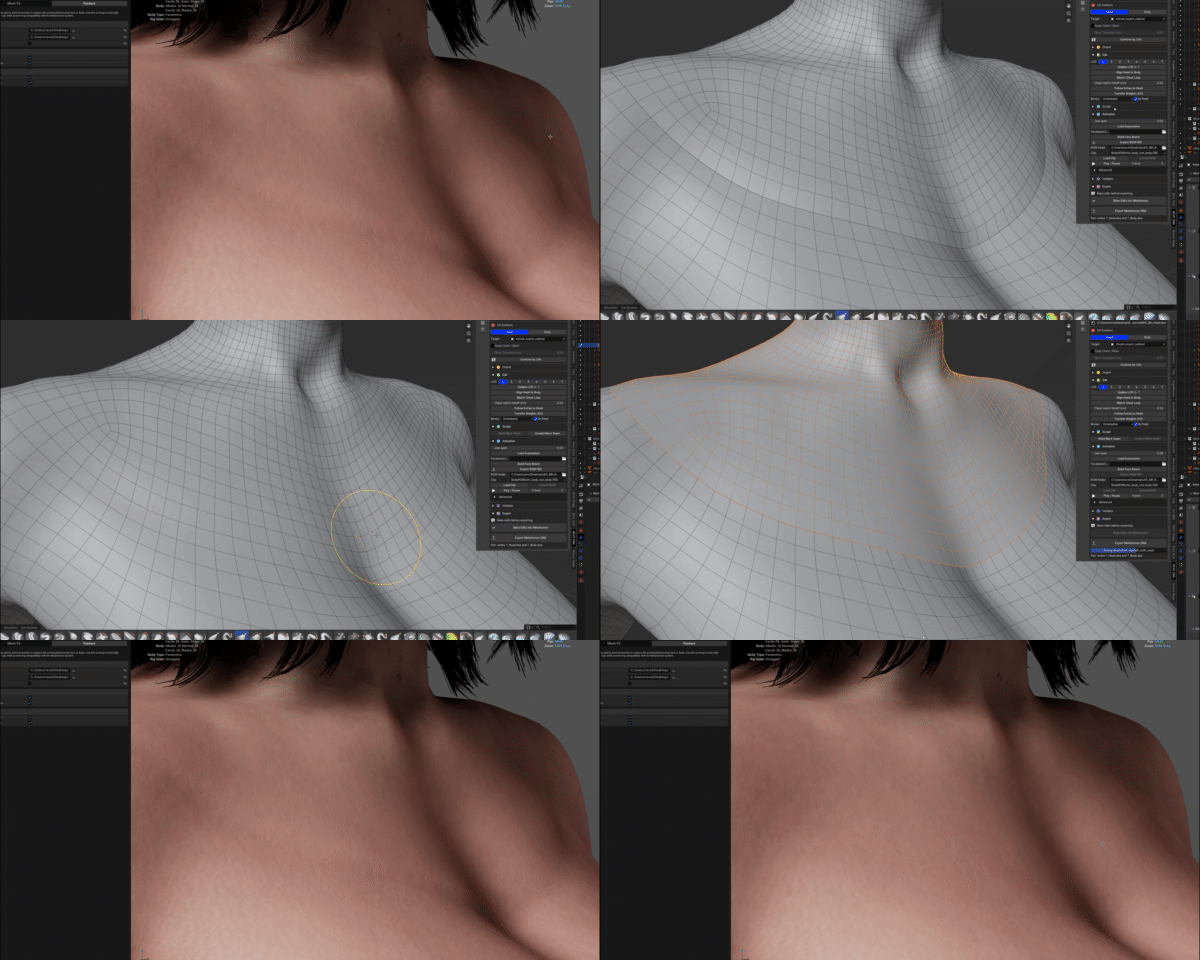
The ridge in MetaHuman Creator, smoothed across the welded seam, and the result after importing again
Before exporting, open Export and Bake Edits into Metahuman for each edited DNA mesh. See export steps.