Export MetaHuman DNA
- Apply any Conform preview to the imported Source.
- Unweld Neck Seam if you used a joined sculpt.
- Check the neutral face, lower LODs and facial movement.
- In Export, click Bake Edits into Metahuman for each edited DNA mesh.
- Click Validate MetaHuman DNA and resolve reported problems.
- Export MetaHuman DNA to a new filename, then check it in Unreal.
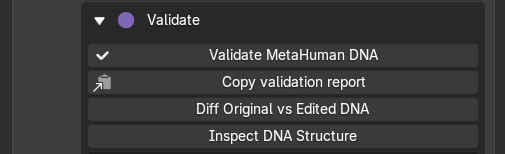
Validate the character before export
Bake before exporting. Apply commits the Conform result to the mesh; Bake prepares the edited character for DNA export.
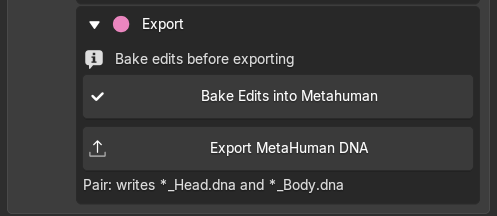
Bake edits, then export MetaHuman DNA
Keep the original DNA and REVO DNA sidecars. Head and body export as separate DNA files. A combined DNA is for inspection only.
ROM clips are not included in DNA export. Textures must be saved separately from the Textures tab.
If export reports a problem, open REVO DNA Export Report in Blender's Text Editor.